Time tracking for the trades
Whether joinery, painting or electrical business: your team clocks in from the phone at the customer's, you book hours to the right job. Without collecting timesheets.
Time-wasters you know in the trades.
Trade businesses work on many jobs at the same time. Stempli records who spent how long where, so you bill cleanly and nothing is forgotten at month-end.
Timesheets that only reach the office on Friday
Hours that can no longer be assigned to any job
Travel and material time that slips through the cracks
This is how easy time tracking runs in the trades.
Everything your business really needs, clear instead of overloaded.
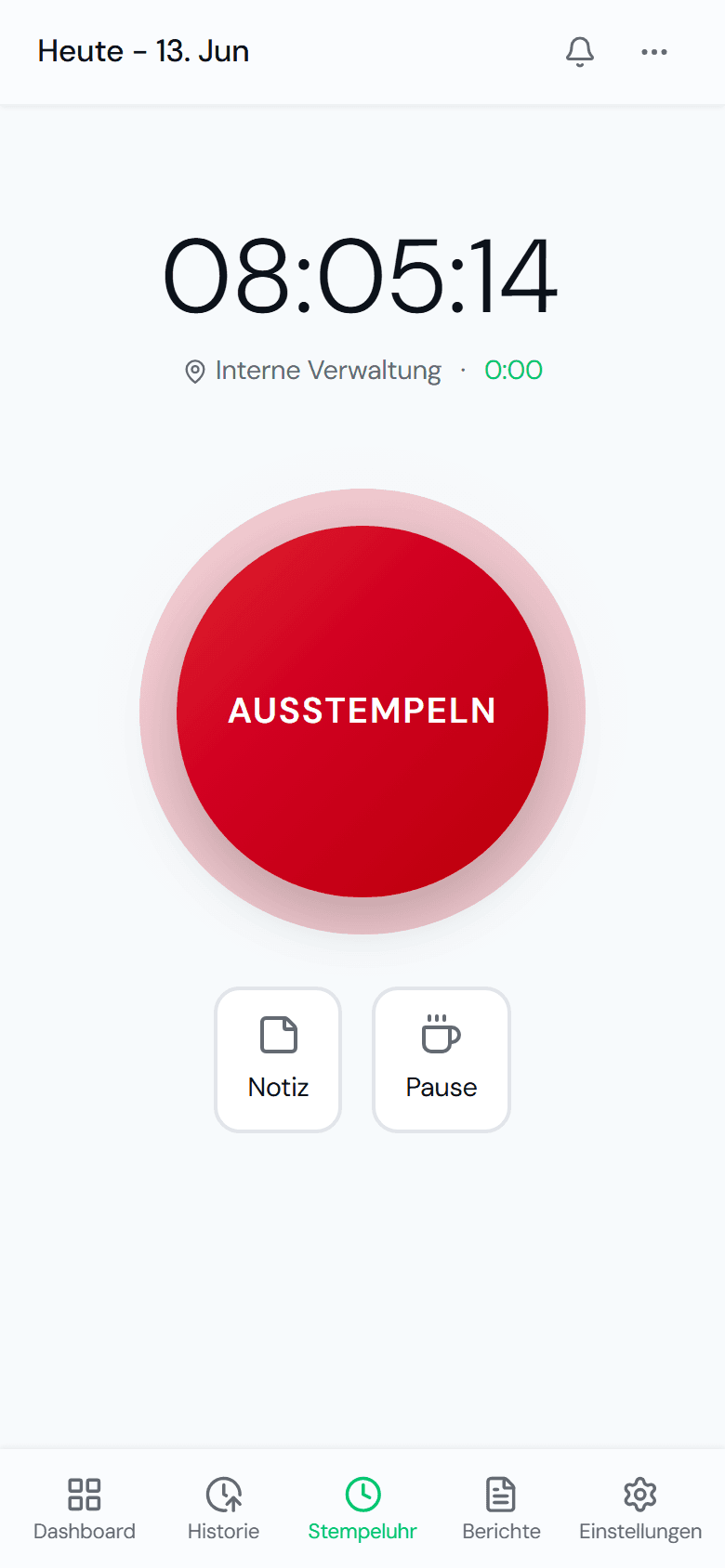
Clock in at the customer's.
On site with one tap on the phone. Anyone who can use a phone can clock in.
- Clock in and out with a single tap
- Record breaks at the press of a button
- On any phone, with no app store
- No training needed
Hours per job.
Every hour runs onto the right job or customer, cleanly traceable.
- Cost centre per job or customer
- Assign it directly when clocking in
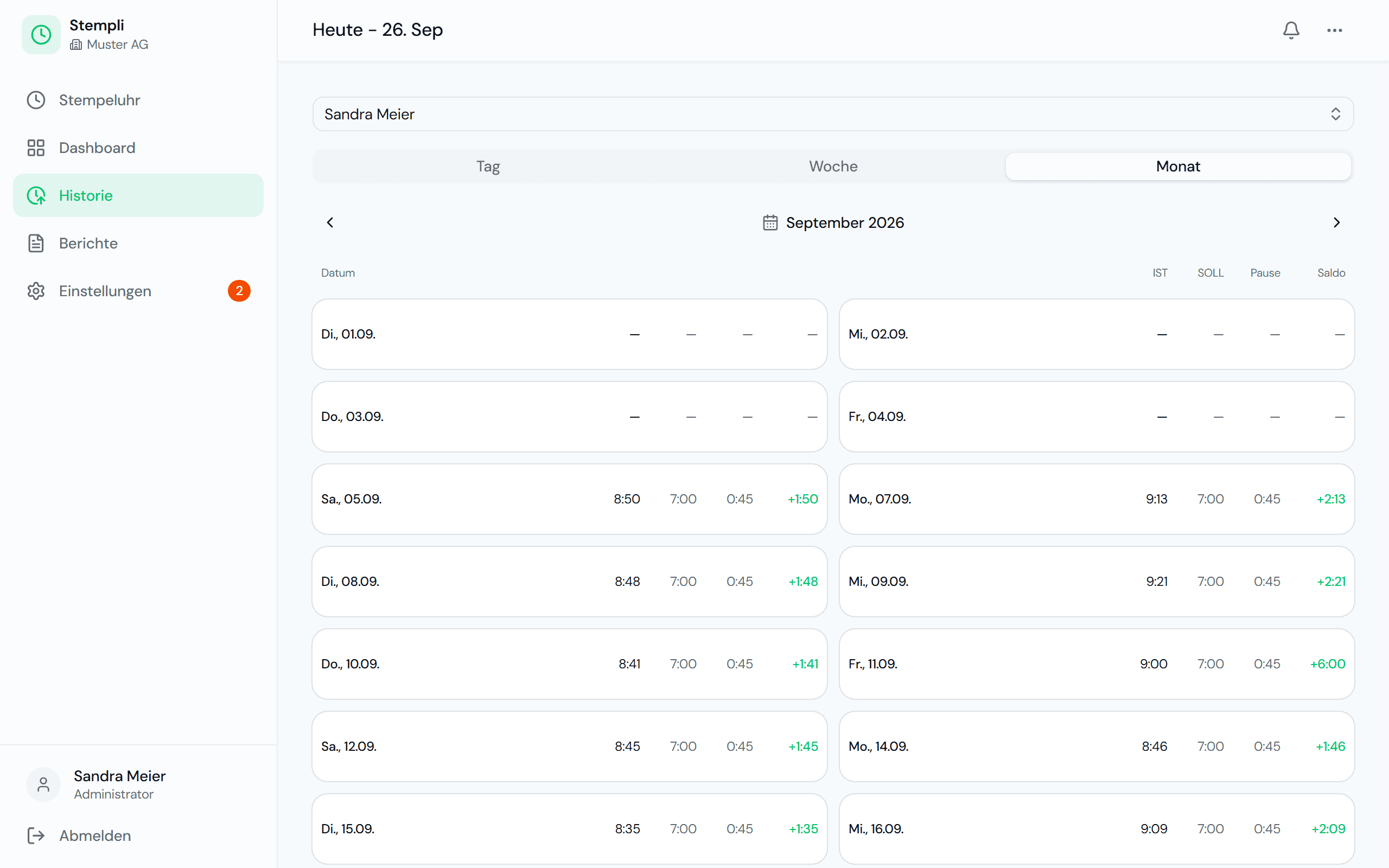
- Target, actual and balance per day
- A clean basis for billing
Reports at the press of a button.
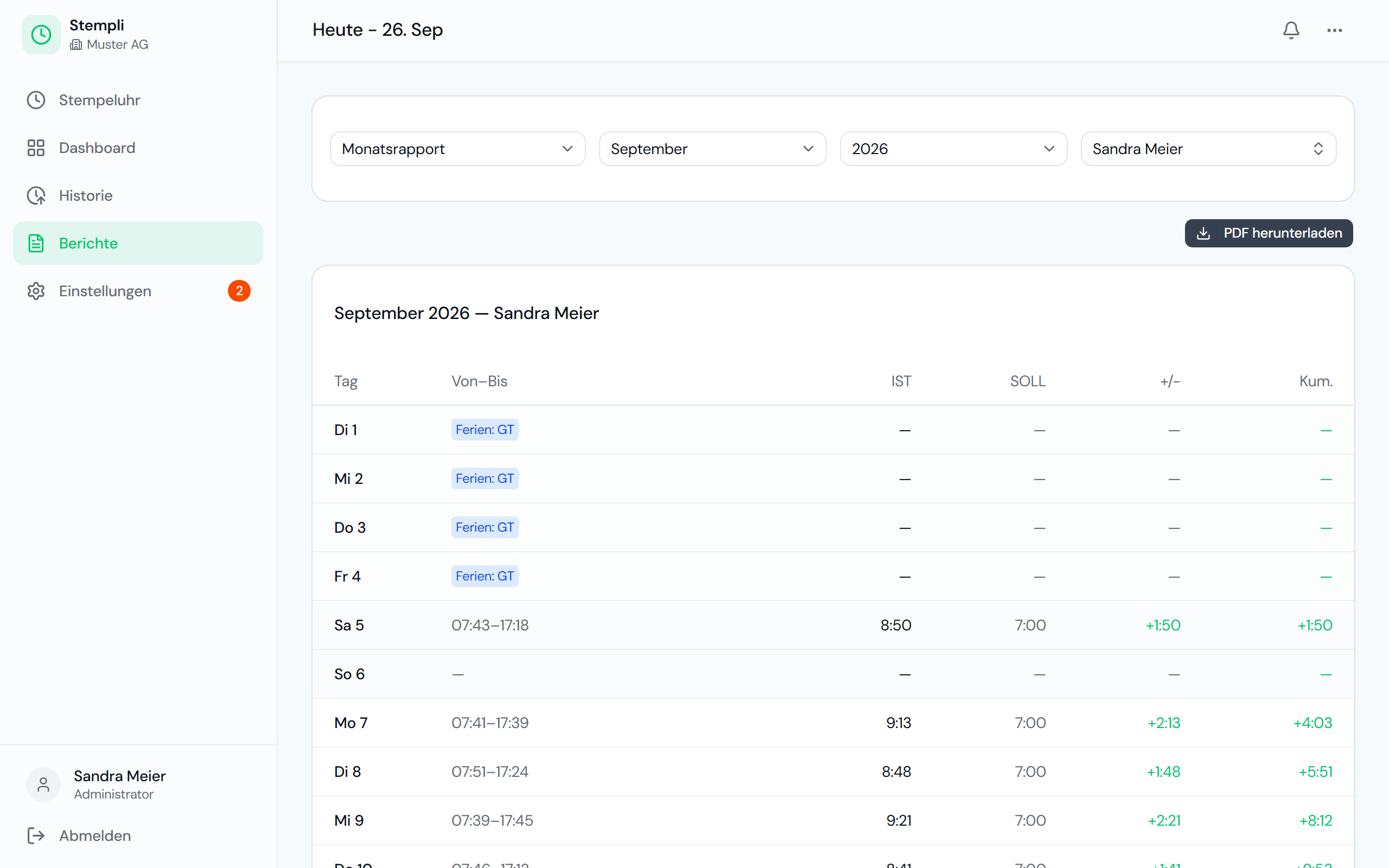
Monthly timesheets as PDF, ready for payroll and the customer invoice.
- Monthly timesheet as PDF
- Selectable per employee
- Flexitime report per period
- In seconds instead of hours
A day in the workshop with Stempli
Between the workshop and installation jobs, this is how you keep track.
- 07:00The joiner clocks in at the workshop and selects as the cost centre the job he is driving out to install today.
- 09:00Mid-morning break (Znüni) at the customer's, clocked with one tap and deducted automatically.
- 12:00Lunch break. The hours keep running onto the right job.
- 16:30Clocking out at the customer's. A note records what extra time-and-materials work was done.
- Month-endYou analyse the hours per job and invoice time-and-materials work with supporting records.
What applies in the trades
Many trades have their own collective labour agreements, often declared generally binding. They supplement the Labour Act with rules on working time and supplements.
Collective labour agreements in the industry
Whether joinery, painting or building services: many trades have a CLA (GAV) with requirements on working time and overtime. Joint (parity) commissions check compliance using the records of hours.
Workshop, installation and travel time
The journey from home to the workshop is not working time. Trips to customers during work are. Clocking properly separates the two without any discussion.
Documenting time-and-materials work (Regiearbeiten)
For time-and-materials invoices, you need traceable hours per job. With a cost centre per job, the basis for the invoice is already there.
A brief overview, not legal advice. The Labour Act and the collective labour agreement that applies to your business are authoritative.
One plan, everything included, fair per employee.
A fair base fee plus a fixed price per employee. No hidden costs, no lock-in.
Frequently asked questions in the trades
Yes. With cost centres you assign every hour to the right job or customer and analyse afterwards.
No. Anyone who can use a phone can clock in. Open Stempli, tap once, done, no training needed.
Yes. Hours per cost centre and notes on clock entries show who worked how long on which job. That is a solid basis for time-and-materials invoices.
With cost centres. When clocking in, your employees choose whether they are working in the workshop or on a specific installation job.
Yes. Stempli is made for small businesses. The base fee is low, and you only pay for the employees who actually clock in.
You see how many hours a job really cost. That helps with post-calculation and with your next quotes.
Stempli fits your business too.
Discover what time tracking looks like in other industries.
Ready to leave Excel behind?
Arrange a non-binding demo. We set up a test instance for you and show Stempli in your business.
Non-binding · No credit card · Set up in just a few minutes